GBase 8s
安装配置
问答
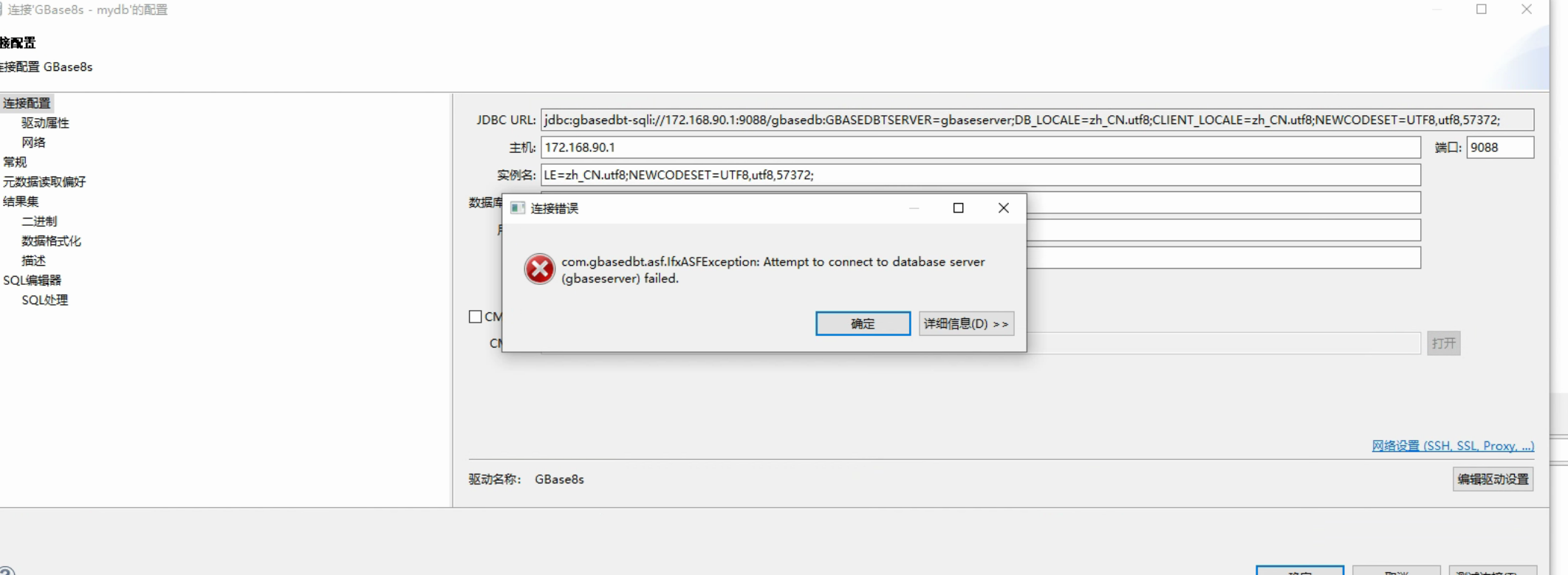
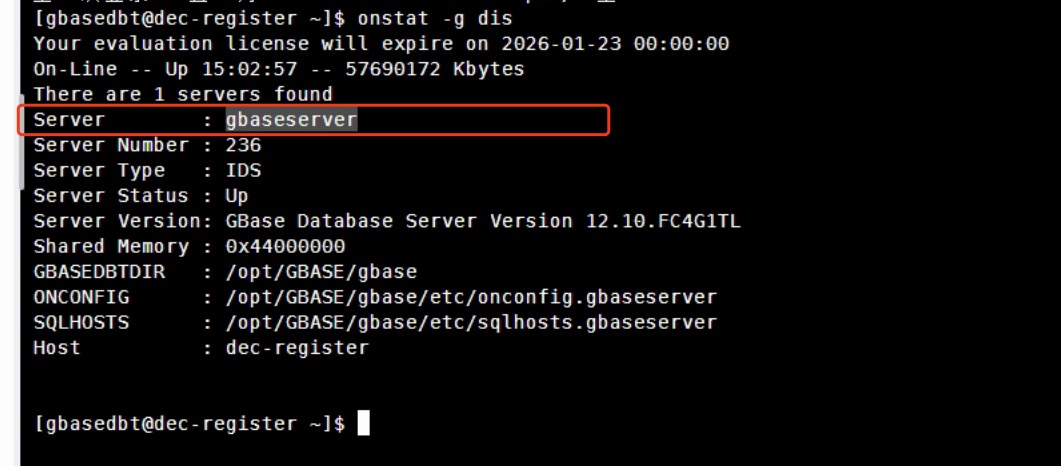
安装好好gbase8s后也启动了但是使用视图工具连接不上服务器可以进入数据库
发表于2025-01-23 19:21:28131次浏览6个评论
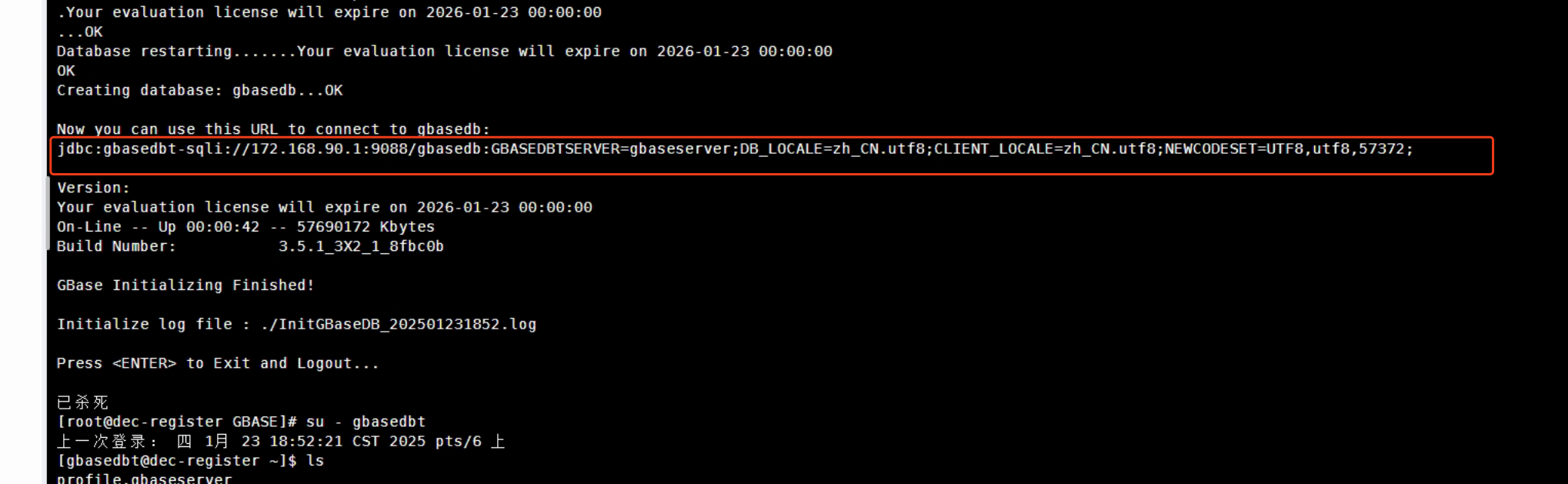
使用安装好后的返回连接地址与参数
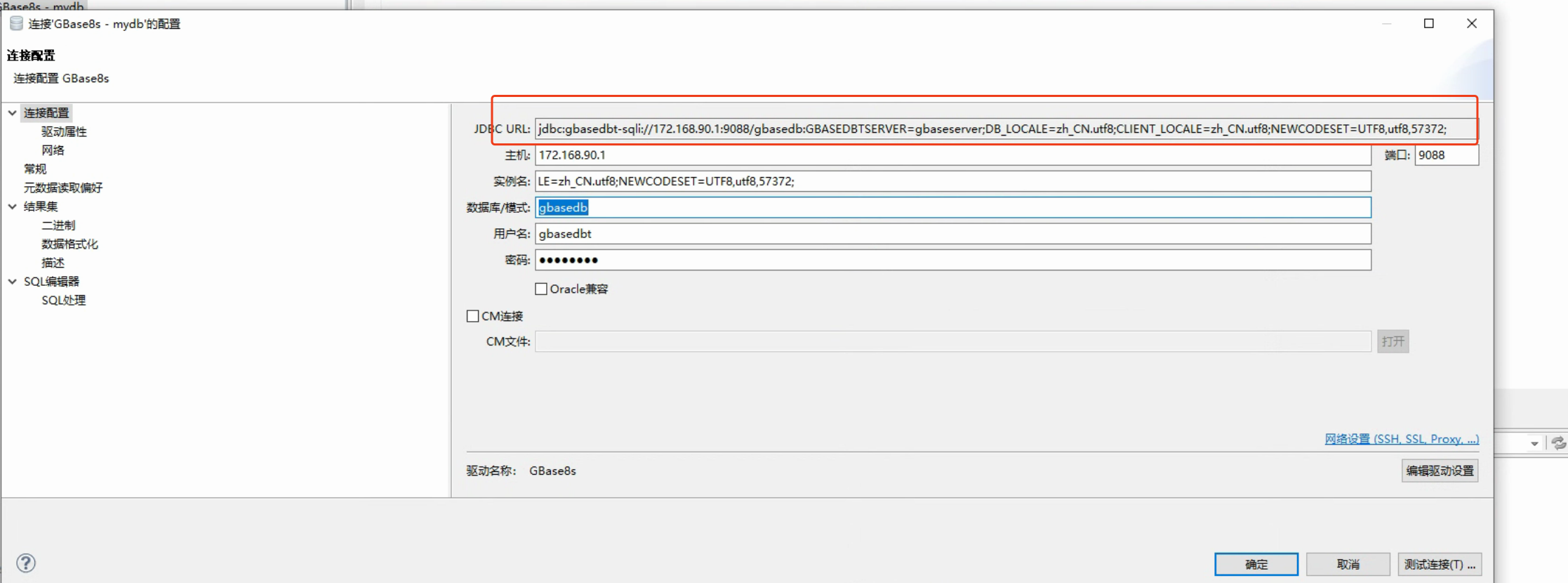
视图连接地址:jdbc:gbasedbt-sqli://172.168.90.1:9088/gbasedb:GBASEDBTSERVER=gbaseserver;DB_LOCALE=zh_CN.utf8;CLIENT_LOCALE=zh_CN.utf8;NEWCODESET=UTF8,utf8,57372;
安装返回地址:jdbc:gbasedbt-sqli://172.168.90.1:9088/gbasedb:GBASEDBTSERVER=gbaseserver;DB_LOCALE=zh_CN.utf8;CLIENT_LOCALE=zh_CN.utf8;NEWCODESET=UTF8,utf8,57372;
防火墙已放开;
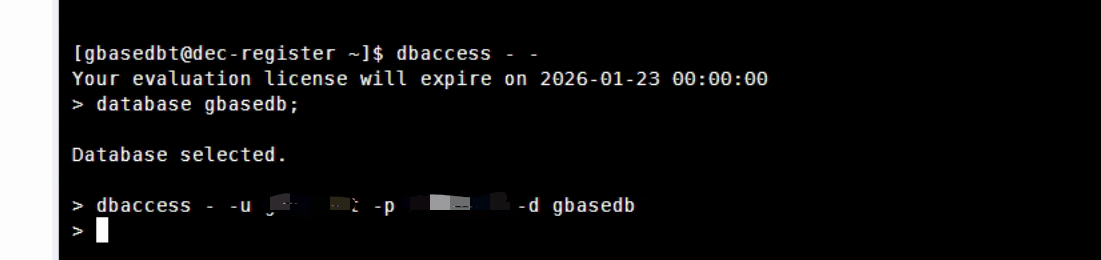
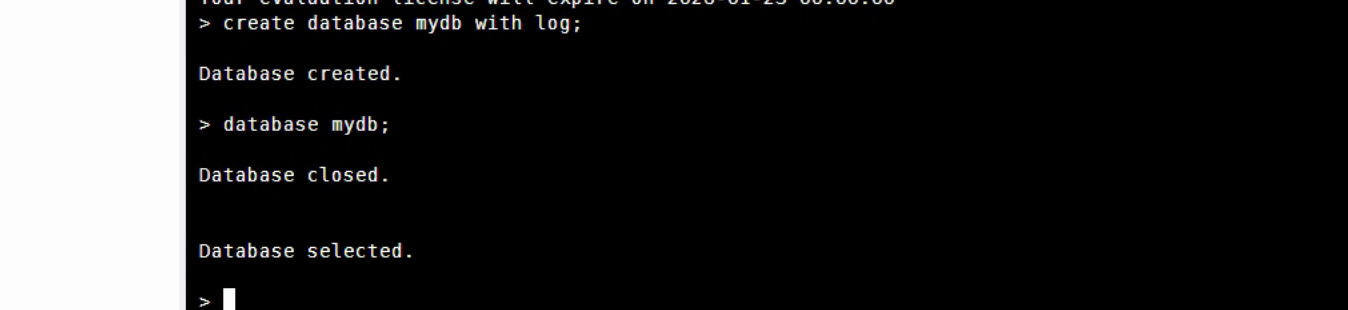
服务器可以进入数据库:

视图工具报错:

热门帖子
- 12025-12-01浏览数:182759
- 22023-05-09浏览数:25044
- 42023-09-25浏览数:18519
- 52020-05-11浏览数:17526