GBase 8s
安装配置
文章
构建最优数据平台:GBase 8s数据库多种安装方式详解之配置环境变量
发表于2025-09-12 13:48:4375次浏览7个评论
配置环境变量
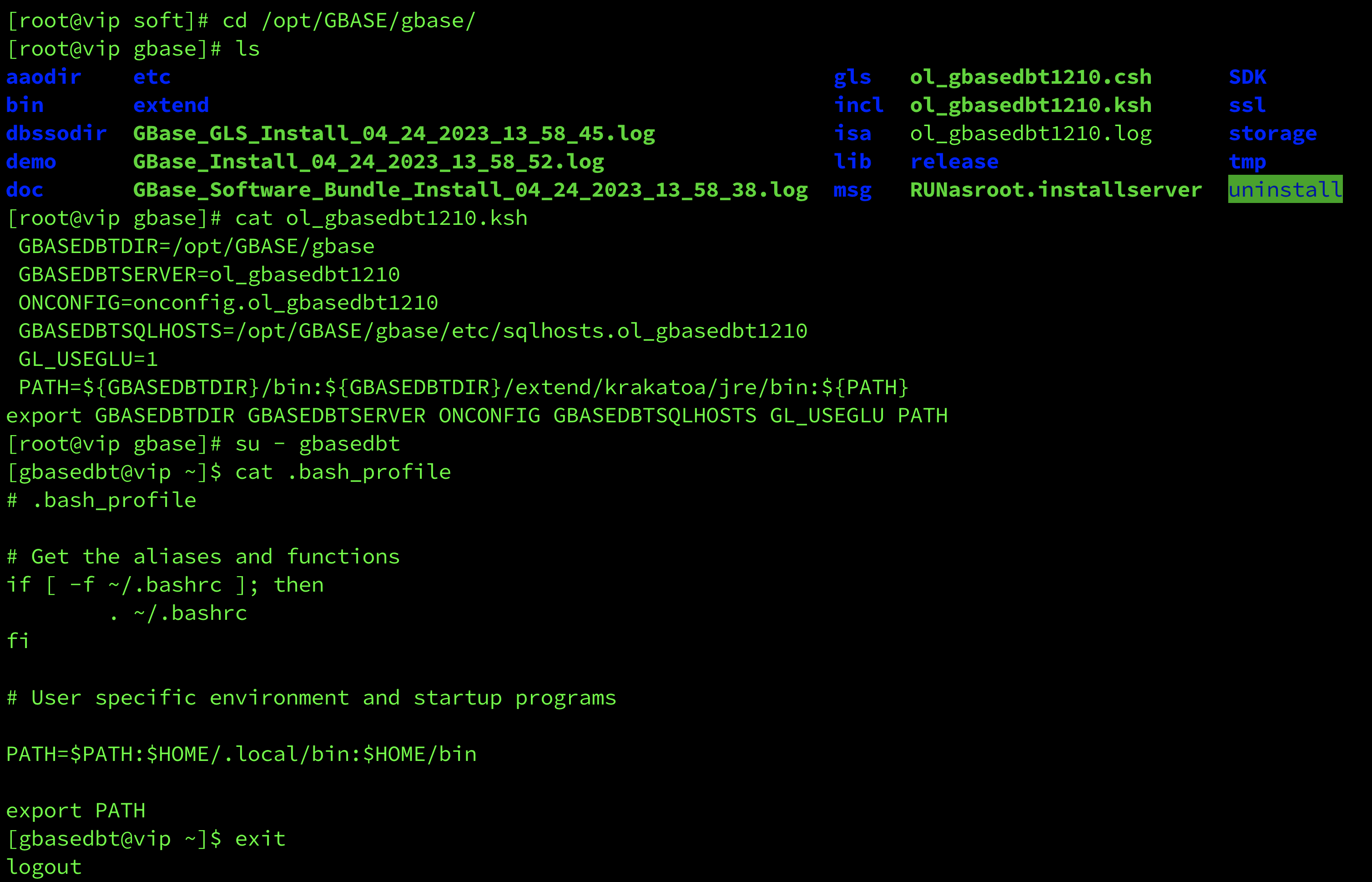
在使用 GBase 8s 数据库服务前需要设置几个环境变量。可以把安装目录下的ol_gbasedbt1210.ksh 文件的内容追加到 gbasedbt 用户主目录下的 .bash_profile文件中,以便于 gbasedbt 用户在登录后即自动应用这些环境变量。注意,此处的ol_gbasedbt1210.ksh为安装过程中Server Instance Creation步骤创建的数据库实例文件,所以在定制化安装过程中,该文件名称会发生变化。
[root@vip soft]# cd /opt/GBASE/gbase/
[root@vip gbase]# ls
aaodir    etc                                                    gls   ol_gbasedbt1210.csh      SDK
bin       extend                                                 incl  ol_gbasedbt1210.ksh      ssl
dbssodir  GBase_GLS_Install_04_24_2023_13_58_45.log              isa   ol_gbasedbt1210.log      storage
demo      GBase_Install_04_24_2023_13_58_52.log                  lib   release                  tmp
doc       GBase_Software_Bundle_Install_04_24_2023_13_58_38.log  msg   RUNasroot.installserver  uninstall
--查看ol_gbasedbt1210.ksh配置文件内容
[root@vip gbase]# cat ol_gbasedbt1210.ksh
GBASEDBTDIR=/opt/GBASE/gbase
GBASEDBTSERVER=ol_gbasedbt1210
ONCONFIG=onconfig.ol_gbasedbt1210
GBASEDBTSQLHOSTS=/opt/GBASE/gbase/etc/sqlhosts.ol_gbasedbt1210
GL_USEGLU=1
PATH=${GBASEDBTDIR}/bin:${GBASEDBTDIR}/extend/krakatoa/jre/bin:${PATH}
export GBASEDBTDIR GBASEDBTSERVER ONCONFIG GBASEDBTSQLHOSTS GL_USEGLU PATH
--切换到gbasedbt用户,查看当前配置文件内容[root@vip gbase]# su - gbasedbt
[gbasedbt@vip ~]$ cat .bash_profile
# .bash_profile
# Get the aliases and functions
if [ -f ~/.bashrc ]; then
. ~/.bashrc
fi
# User specific environment and startup programs
PATH=$PATH:$HOME/.local/bin:$HOME/bin
export PATH
[gbasedbt@vip ~]$ exit
logout
[root@vip gbase]#
[root@vip gbase]# pwd
/opt/GBASE/gbase
[root@vip gbase]# ls
aaodir    etc                                                    gls   ol_gbasedbt1210.csh      SDK
bin       extend                                                 incl  ol_gbasedbt1210.ksh      ssl
dbssodir  GBase_GLS_Install_04_24_2023_13_58_45.log              isa   ol_gbasedbt1210.log      storage
demo      GBase_Install_04_24_2023_13_58_52.log                  lib   release                  tmp
doc       GBase_Software_Bundle_Install_04_24_2023_13_58_38.log  msg   RUNasroot.installserver  uninstall
--将 GBase 8s 安装目录下的 ol_gbasedbt1210.ksh 文件的内容追加到 gbasedbt 用户主目录下的 .bash_profile 文件中[root@vip gbase]# cat ol_gbasedbt1210.ksh >> /home/gbasedbt/.bash_profile
[root@vip gbase]# cd /home/gbasedbt/--进入到gbasedbt用户下执行source .bash_profile命令使配置文件生效
[root@vip gbasedbt]# source .bash_profile
[root@vip gbasedbt]# su - gbasedbt
Last login: Mon Apr 24 14:21:09 CST 2023 on pts/1--查看gbasedbt用户下配置文件
[gbasedbt@vip ~]$ cat .bash_profile
# .bash_profile
# Get the aliases and functions
if [ -f ~/.bashrc ]; then
. ~/.bashrc
fi
# User specific environment and startup programs
PATH=$PATH:$HOME/.local/bin:$HOME/bin
export PATH
GBASEDBTDIR=/opt/GBASE/gbase
GBASEDBTSERVER=ol_gbasedbt1210
ONCONFIG=onconfig.ol_gbasedbt1210
GBASEDBTSQLHOSTS=/opt/GBASE/gbase/etc/sqlhosts.ol_gbasedbt1210
GL_USEGLU=1
PATH=${GBASEDBTDIR}/bin:${GBASEDBTDIR}/extend/krakatoa/jre/bin:${PATH}
export GBASEDBTDIR GBASEDBTSERVER ONCONFIG GBASEDBTSQLHOSTS GL_USEGLU PATH
[gbasedbt@vip ~]$ 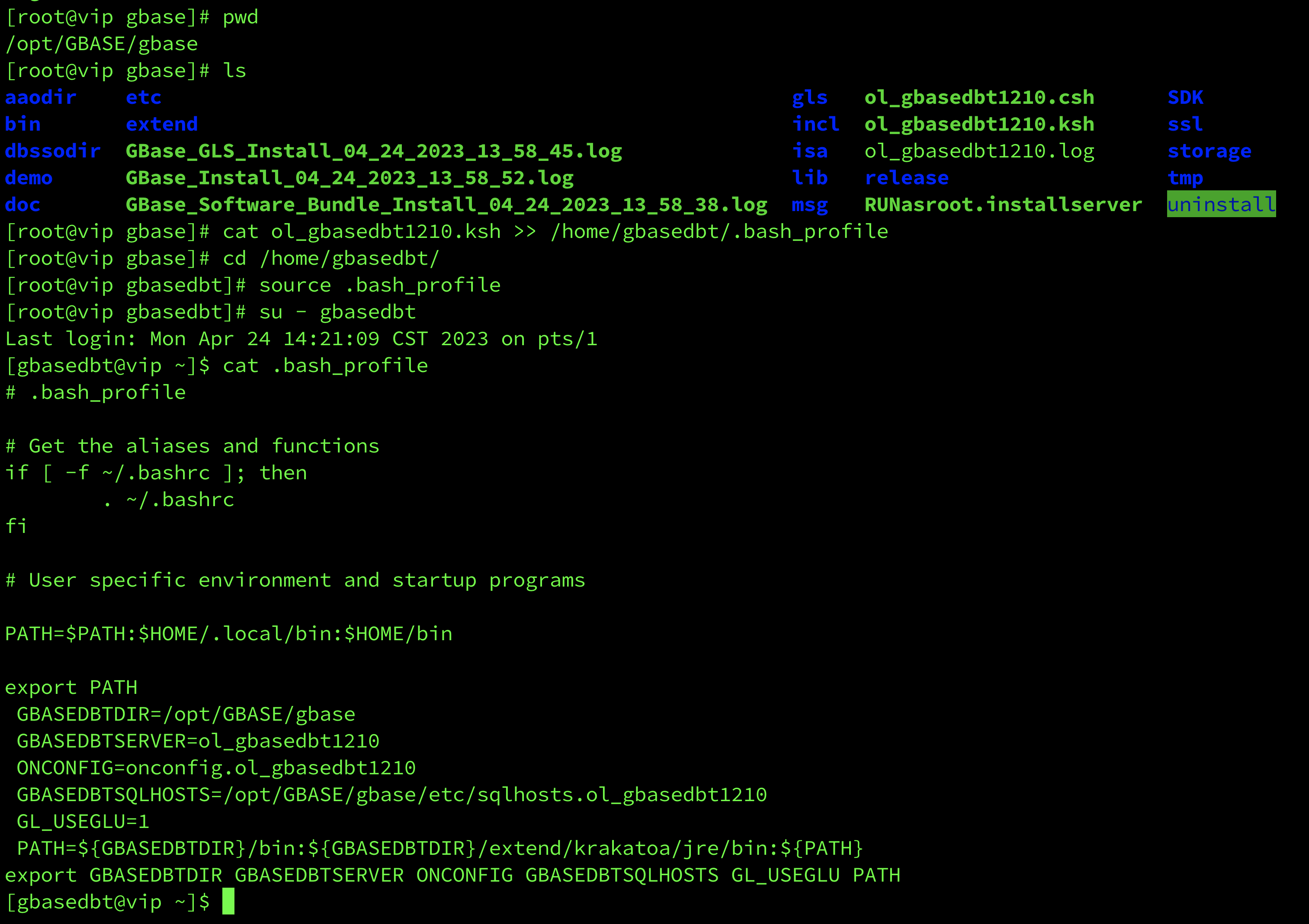
配置完毕后,即可正常使用 GBase 8s 数据库。
评论
登录后才可以发表评论

热门帖子
- 12025-12-01浏览数:182759
- 22023-05-09浏览数:25052
- 42023-09-25浏览数:18521
- 52020-05-11浏览数:17526